“Five more minutes, okay?”
You said it clearly. Your child nodded. And yet, five minutes later, when you announce it's time to leave the playground — or put away the tablet, or start homework — you're met with total shock. Tears. “But you didn't TELL me!”
Here's the thing: you did tell them. But for many kids, and especially for kids with ADHD, “five minutes” isn't really information. It's just a sound. They can't see five minutes. They can't feel five minutes. So when time runs out, it doesn't feel like a warning came and went — it feels like an ambush.
If this scene plays out in your house (or your classroom) on repeat, a visual timer might be the single most useful tool you're not using yet. Let's talk about why these simple devices work so well for kids who struggle with time — and how to use one so it actually helps instead of becoming one more thing to fight about.
What “Time Blindness” Actually Feels Like
Researchers who study ADHD have written for decades about difficulties with time perception — sometimes called “time blindness.” Dr. Russell Barkley, one of the most cited ADHD researchers, has described ADHD in part as a difficulty with self-regulation across time: knowing how long things take, sensing how much time has passed, and organizing behavior around a future moment (like a deadline, or a transition) rather than the very-interesting present moment.
Studies on time perception have found that children with ADHD, as a group, tend to be less accurate at estimating and reproducing short intervals of time than their peers. In practical terms, that can look like:
- Ten minutes of a beloved video game feels like thirty seconds
- Three minutes of waiting feels like an hour
- “We're leaving in ten minutes” and “we're leaving in an hour” register as roughly the same thing: not now
None of this is defiance, and it isn't a character flaw. It's a genuine difference in how the brain tracks time — and it helps explain why purely verbal warnings (“five more minutes!”) so often fail. You're handing a child abstract information their brain has trouble converting into a felt experience.
One important note before we go further: we're a company that makes calm-down tools, not a medical provider. Nothing here is a diagnosis or treatment advice. If you have questions about your child's attention, development, or daily functioning, your pediatrician or an occupational therapist is the right starting point. What we can tell you is why so many families and teachers find visual timers helpful — and how to set one up well.
Why Visual Timers Work: Time You Can See
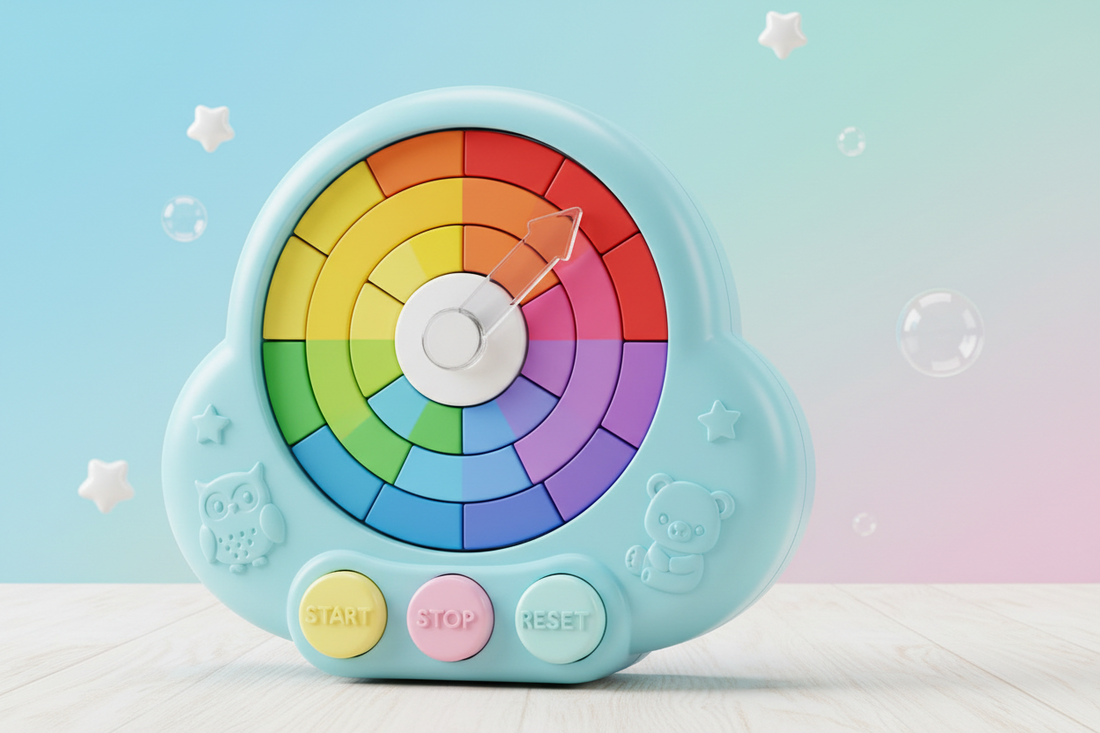
A visual timer takes the abstract idea of “ten minutes” and turns it into something concrete: a colored disk, arc, or light that visibly shrinks as time passes. That one change — making time visible — does a surprising amount of work.
1. It turns time into information a child can actually use
A shrinking colored section answers, at a glance, the two questions kids can't answer on their own: How much time is left? and Is it running out fast or slow? Your child doesn't need to read a clock, do subtraction, or hold “five minutes” in their head. They just look. Less remaining color = less remaining time. Even a three-year-old can read that.
2. It replaces surprise with predictability
Meltdowns at transitions are very often meltdowns about surprise. When a child can watch time running down, the ending stops being an ambush and becomes something they saw coming — sometimes something they even announce themselves (“the red is almost gone!”). Predictability is calming for nearly all kids, and many parents of kids with ADHD or big transition struggles say it's transformative.
3. It takes you out of the villain role
This might be the most underrated benefit. Without a timer, you are the bearer of every ending: you decide when screen time is over, you announce it, you enforce it, and you absorb the protest. With a visual timer, the timer holds the boundary. “Uh oh, the timer's done” lands very differently than “because I said so.” Many occupational therapists and teachers use visual supports for exactly this reason — externalizing the rule reduces the power struggle between child and adult, and may help support a child's growing independence.
4. It builds an internal sense of time — gradually
Every time a child watches ten minutes visibly elapse, they're getting a small, concrete lesson in what ten minutes is. Over months of use, many families notice their child starting to make better time estimates on their own. The timer isn't a crutch that prevents learning; it's more like training wheels that make the learning possible.
How to Introduce a Visual Timer (So Your Child Doesn't Hate It)
A visual timer is a tool, not a magic wand — and how you introduce it makes most of the difference. Here's the approach we'd suggest, drawn from how OTs and teachers typically introduce visual supports.
Start during calm, happy time — not mid-conflict. Introduce the timer when nothing is at stake. Let your child hold it, set it, watch it run. Make it theirs: “This is your timer. It shows you time so nobody has to guess.”
Begin with fun endings, not painful ones. For the first few days, use the timer for things your child wants to end or doesn't mind ending: “Let's see if we can tidy up before the color runs out!” or timing how long a wiggle break lasts. If the timer's first job is ending screen time, it becomes the enemy on day one.
Let your child set it whenever possible. Kids with ADHD often push back hardest on things that feel done to them. Twisting the dial themselves flips the dynamic: now it's their timer enforcing their plan.
Give one mid-point check-in, not constant countdowns. “Look — the blue is halfway gone” is a helpful nudge. Narrating every minute recreates the nagging the timer was supposed to replace.
Never use it as a threat or punishment. “If you don't hurry I'm setting the timer!” teaches your child the timer is a weapon. Keep it neutral: the timer is just how your family sees time, the way the thermostat is how you see temperature.
Pair endings with a bridge to the next thing. Time running out is easier when the next step is clear: “When the timer's done, we brush teeth, and you get to pick the toothpaste.” If big feelings still show up at transitions, a short calming routine helps — some families keep a Breathing Pal next to the timer so “timer's done” flows straight into a few slow guided breaths before the switch.
Where a Visual Timer Helps Most: Scenario Guide
Every family's flashpoints are different, but these are the situations where parents and teachers tell us a visual timer earns its keep:
| Scenario | Suggested time | Tip |
|---|---|---|
| Morning routine (“get dressed”) | 10–15 min | Set the timer for the whole routine, not each step — racing the color beats racing you |
| Ending screen time | 20–30 min + 2-min warning timer | Child sets it before the show starts; the agreement happens when everyone's calm |
| Homework sprints | 10–15 min work, 5 min break | Short visible sprints feel finishable; marathon sessions don't |
| Cleanup | 5–10 min | Turn it into a beat-the-timer game rather than a chore |
| Taking turns with siblings | 5–10 min per turn | The timer decides whose turn it is — not the loudest sibling, and not you |
| Waiting (dinner's almost ready, Mom's on a call) | 5–15 min | “You can see exactly how long” makes waiting survivable |
| Bedtime wind-down | 20–30 min | Lights-low countdown signals the body that sleep is coming |
Two of these deserve a special mention. Screen-time endings are such a universal battleground that we wrote a whole post of word-for-word scripts — see How to End Screen Time Without a Meltdown — and a visual timer is the backbone of every script in it. And homework sprints are where many parents of distractible kids see the biggest surprise win: a visible 10-minute window turns “sit down and do your homework” (impossibly big) into “work until the color's gone” (completely doable).
Why Screen-Free Timers Beat Phone Timers
“Can't I just use the timer on my phone?” You can — but for this particular job, a phone works against you.
A phone timer is invisible while it counts (so the child gets no ongoing information, which was the entire point), and it lives inside the single most distracting object in your home. Handing a child a phone to “check the timer” during screen-time wind-down is like holding an ice cream cone while discussing dessert limits. For kids who are especially pulled toward screens — which describes a lot of kids with ADHD — a standalone, screen-free timer keeps the tool and the temptation in separate places.
That's the thinking behind our Timer Pal rainbow visual timers: a twist-to-set colored disk that shrinks as time passes, no apps, no notifications, no lock screen full of games. It's magnetic (fridge, whiteboard, filing cabinet), simple enough for a toddler to read, and it doubles as a soft night light for the bedtime wind-down. One button, one job — which, for a child who's easily pulled off course, is exactly the point.
Related: many of the same ideas apply to autistic children, with a few sensory-specific differences; see our guide to using a visual timer for autism.
Start Small, Stay Consistent
If you take one thing from this post, make it this: pick one scenario from the table above — just one — and use a visual timer there every day for two weeks. Consistency in a single routine beats scattered use across five. Once “the timer means it's real” is established in one place, expanding to other routines gets dramatically easier.
Time is invisible, and for many kids with ADHD that invisibility is the root of a hundred daily battles. Make time visible, and you haven't changed your child — you've changed the game so their brain can actually play it.
Want to see how a calm, visual approach feels before you buy anything? Try our free interactive tools at palcompany.co/pages/playground — guided breathing and calming visuals your child can try right now, no downloads, no apps, no signup.


