
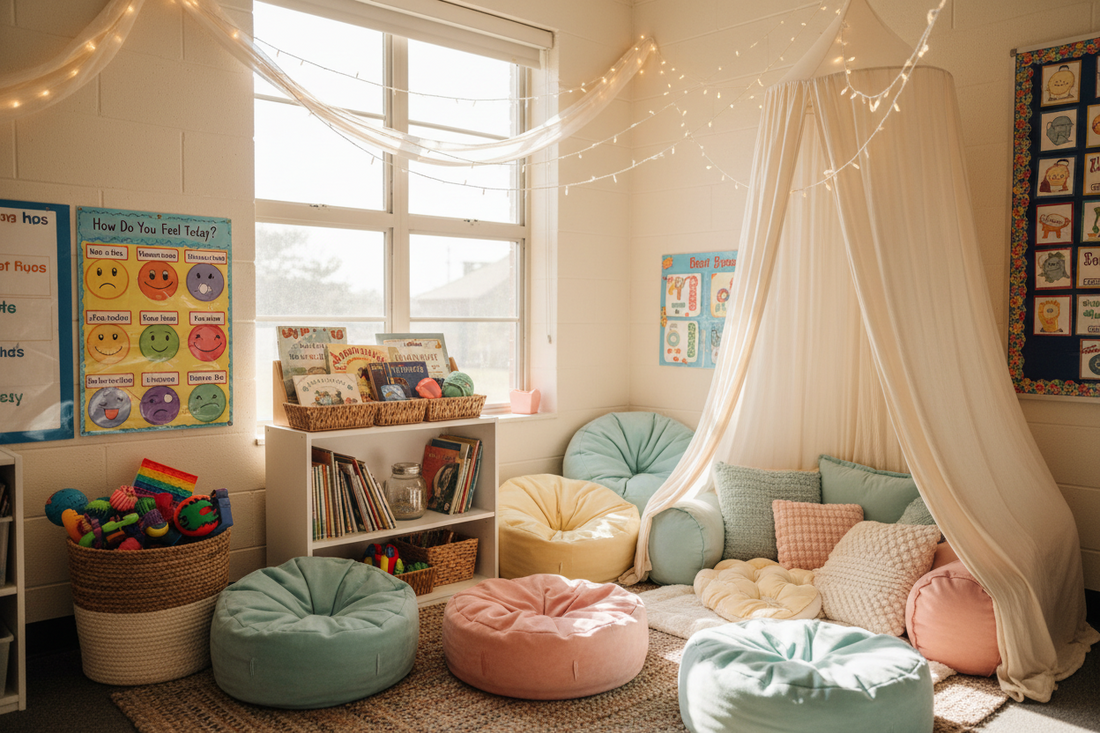
Ask a teacher where the day goes and they will tell you: transitions. Lining up, cleaning up, moving between centers, getting back to the carpet. In a typical elementary classroom, transitions can eat up a surprising share of instructional time, and they are where most of the noise, reminders and small conflicts happen. A classroom visual timer is one of the cheapest, lowest-effort tools for getting some of that time back. This guide covers how experienced teachers actually use one: which routines, how long, what to say, and how to set it up so the class reads the timer instead of waiting for you.
Why a visual timer changes transitions
A verbal warning ("two minutes until clean-up!") reaches the children who were listening at that moment and evaporates for everyone else. A visual timer is a warning that stays on. Every child can check it whenever they look up, which means:
- Fewer verbal prompts. You say "when the timer finishes, we clean up" once, instead of counting down out loud six times.
- Less surprise. Children who find transitions hard, including many autistic students and students with ADHD, can watch the ending approach instead of having it arrive all at once.
- Shared responsibility. The timer, not the teacher, ends the activity. That removes the "but I wasn't finished" argument from you and gives it to a neutral object.
- A common language. "It's yellow" or "almost purple" becomes something students say to each other, which is peer-managed transition behavior you did not have to teach directly.
Visual supports are among the most consistently recommended classroom practices for students who struggle with transitions, and the timer is the simplest one to add because it requires no new routine, only a new way of announcing the routine you already have.

8 classroom routines that run better on a timer
These are the uses teachers tell us about most often, with the durations they typically set and the cue that goes with each. Treat the minutes as starting points; younger grades run shorter blocks.
| Routine | Typical timer | What to say once | Why it helps |
|---|---|---|---|
| Clean-up | 3–5 min | "Clean-up ends when the light finishes." | Turns a nagging chore into a race the class can see |
| Center rotations | 12–20 min | "Yellow means halfway, purple means pack up." | Students self-pace without asking "how long?" |
| Independent work | 10–20 min | "Work quietly until the timer finishes, then we share." | Gives reluctant starters a visible end |
| Partner talk / turn-and-talk | 1–3 min | "Partner A talks until the timer is halfway." | Keeps turns fair without you refereeing |
| Morning arrival routine | 8–10 min | "Backpacks, folders, seat before the light is done." | Front-loads a calm start |
| Lining up | 1–2 min | "Line ready before the timer ends." | Replaces the countdown shout |
| Brain break / movement | 3–5 min | "When it finishes we're back on the carpet." | Makes the break feel real, so the return is easier |
| Calm corner visit | 5 min | "Use the corner until the timer ends, then come back when you're ready." | Gives a regulation break a gentle, predictable edge |
The calm corner use deserves its own note. If your classroom has one, pairing it with a small visual timer gives students a sense of how long a reset takes, which is often the thing that makes them willing to go. Our 15 calm down corner ideas for teachers covers the rest of that setup, including free printable posters.
Setting up a classroom visual timer: 6 steps
- Choose a silent timer. A ticking timer in a quiet classroom is a distraction, and an end alarm startles the very students who most need calm. Light-based timers, such as the Rainbow Timer Pal, count down silently and end with a soft fade.
- Put it where every seat can see it. Front of the room, at or slightly above student eye level, not on your desk. If the room is deep or has centers around the edges, a large on-screen timer on the projector works alongside the physical one; our free online visual timer is built for exactly that, with no login and no ads.
- Teach the timer like a routine. Spend five minutes on day one: "Blue means lots of time, yellow means halfway, purple means almost done." Run it on something fun first (a game, a read-aloud) so the class's first association is positive.
- Use two cues, not six. One at halfway, one near the end. Over-cuing turns the visual back into an audio nag.
- Keep the ending non-negotiable. When it finishes, the routine happens. If you add "two more minutes" because things are going well, the timer stops meaning anything by Thursday.
- Let students run it. Once the class understands it, a timer helper sets it for centers and clean-up. Ownership is the fastest route to independence, and a student who sets the timer rarely argues with it.
Which students benefit most
Everyone benefits from a smoother transition, but a few groups benefit disproportionately. Students on the autism spectrum often experience an ending as abrupt even when it was announced; the timer lets them watch it approach, and our guide to using a visual timer for autistic children has introduction steps that work in a classroom as well as at home. Students with ADHD frequently cannot feel time passing, so "ten more minutes" carries no information for them until they can see it. Younger students, kindergarten through second grade, simply have not built an internal clock yet, and a color timer gives them one to borrow. And anxious students, the ones who ask "how long?" every few minutes, usually stop asking once the answer is on the wall.

Physical timer, on-screen timer, or both?
Teachers usually end up with both, used differently. The on-screen timer is for whole-class moments when everyone is facing the board: a quiz, a brain break, a timed write. The physical timer is for everything else, because the board is not always on, not always visible from the reading nook, and is often needed for the lesson itself. A small, silent, battery-powered timer can move from the front of the room to a center table to the calm corner, which the projector cannot.
If you are comparing options, our breakdown of Time Timer alternatives for kids walks through the main types, including disc timers, light timers and sand timers, with the classroom trade-offs for each. And if budget is the obstacle, our Pal It Forward program donates calming tools to classrooms; teachers are welcome to apply.
Scripts that work (and the ones that don't)
The words around the timer matter as much as the timer. These pairings come from teachers who have used one for years.
- Works: "The timer decides, not me." It moves the authority to the object and keeps you on the students' side.
- Works: "Check the timer" in place of answering "how long?" It trains the glance.
- Works: "Halfway" and "almost purple" said quietly, once each.
- Doesn't: "If you're not done when the timer ends, you lose recess." Now the timer is a threat and the class will dread it.
- Doesn't: Counting down aloud over the top of the timer. The visual becomes background and the voice becomes the signal again.
- Doesn't: Restarting the timer because the room is loud. The timer is not a volume meter; use a separate signal for noise.
Frequently asked questions
What is the best visual timer for a classroom?
One that is silent, readable from every seat without numbers, and ends gently. Light-based timers with clear color stages work well for K–3; disc timers suit older grades already familiar with them. Pair the physical timer with a free on-screen timer for whole-class moments on the projector.
How long should classroom transitions take?
Most routine transitions (clean-up, lining up, moving to the carpet) can run in 2 to 5 minutes once the class knows the routine. A visual timer makes that target visible; if a transition routinely needs more, the routine itself usually needs simplifying rather than the timer lengthening.
Do visual timers help students with ADHD or autism in class?
They may help a great deal, because both groups often struggle to sense time passing and find abrupt endings hard. A visible countdown lets these students watch the transition approach, which reduces surprise and the behavior that comes with it. Use the same timer and cue words consistently across the day.
Should the timer make a sound at the end?
A soft, optional chime is fine; a loud beep or ring is not. Many students are sound-sensitive, and a startling alarm undoes the calm the timer created. A visual end (a fade or final color) plus a quiet verbal "time" from you is enough.
Can I just use a timer on the smartboard?
Yes, for whole-class activities. Our free online visual timer is built for that. But a board timer disappears whenever the board is used for teaching, and it is not visible from centers or the calm corner, so most teachers keep a small physical timer as well.
Start with clean-up
If you only change one thing this week, put a visual timer on clean-up. It is the transition every class has, it is short, and the improvement is visible by Wednesday. Run the free online timer on the board to try it, and when you want one that moves around the room with you, the screen-free timers in the Timer Pal collection are built for exactly that.


