
"Five more minutes!" you call out, and your child nods without looking up. Five minutes later, you announce it's time to go — and suddenly you're negotiating with a small, outraged lawyer who insists it has not been five minutes, that you never said five minutes, and that this is, frankly, the greatest injustice in recorded history.
Here's the thing: they're not being difficult on purpose. Young kids genuinely can't feel time passing. "Five minutes" is an abstract idea, and abstract ideas don't stand a chance against a half-built LEGO tower. That's why visual timers have become a staple in classrooms and homes — they turn invisible time into something a child can see shrinking, so the end of an activity stops being a surprise ambush and starts being something they watched coming.
But once you decide you want one, you hit the next problem: there are a lot of options. Sand timers, dial timers, cube timers, app timers, light-up timers — and every product page promises calm, cooperative children. So let's do something a little different: an honest comparison of every major type of visual timer, including the weaknesses of each (yes, including ours). By the end, you'll know exactly which style fits your child, your home, and your budget.
First, What Makes a Timer "Visual" — and Why It Matters
A visual timer shows the amount of time remaining as a shrinking shape — a disappearing colored disc, draining sand, a fading light. That's different from a digital countdown, which shows numbers. Numbers require math and abstraction; a shrinking red wedge requires only eyes. For kids roughly ages 2–8 (and for many kids who find transitions extra hard), that difference is everything.
A good visual timer for a child needs to pass four tests:
- Glanceable — can a 4-year-old understand it from across the room, mid-play?
- Kid-operable — can the child eventually set it themselves? (Independence is the long game.)
- Calm, not alarming — does it end with a gentle signal, or a jolt that startles an already-fragile kid?
- Durable — will it survive being carried, dropped, and occasionally hugged?
Keep those four in mind as we go through the lineup.
The Contenders: Every Type of Kids' Timer, Compared
1. Sand Timers (Hourglasses)
Typical price: $5–$12 for a set
The classic. Sand timers are beautifully simple: flip it, watch the sand drain, done when it's done.
Where they shine: They're cheap, silent, and mesmerizing — some kids find watching the sand genuinely calming. Great for very short, fixed tasks: two minutes of tooth-brushing, a one-minute turn-taking timer.
Where they fall short: Each timer does exactly one duration, so you end up with a rainbow of tubes for 1, 2, 3, 5, and 10 minutes — and nothing for "17 minutes until we leave." There's no end signal, so if your child looks away (they will), the timer quietly finishes and nobody notices. And small glass tubes plus enthusiastic small hands is a combination with a known failure mode.
Best for: Short fixed routines and turn-taking. Not great as your main transition timer.
2. Classic Dial / Disc Timers
Typical price: $20–$40
The style you've seen in almost every elementary classroom: turn the dial, and a colored disc shrinks as time runs down. Teachers have relied on this format for decades, and for good reason — the disappearing disc is the clearest possible picture of time remaining.
Where they shine: Extremely glanceable, flexible durations (usually up to 60 minutes), and familiar to kids from school, which helps consistency between classroom and home.
Where they fall short: Many run on a mechanical or ticking mechanism, and that tick-tick-tick can be surprisingly grating — especially for sound-sensitive kids at bedtime. Alarms on some models are loud and abrupt, which can undo the calm the timer just built. Most are designed as classroom tools first, so they look and feel utilitarian, and some have fiddly dials that little fingers can't set alone. Quality varies wildly at the cheaper end.
Best for: Classrooms, homework sessions, and school-to-home consistency — if you choose a quiet model with a gentle alarm.
3. Digital Countdown & Cube Timers
Typical price: $10–$25
Digital timers with big LED digits, or the popular "cube" style where you flip the cube to a preset time.
Where they shine: Precise, cheap, and cube timers are wonderfully easy — even a 3-year-old can flip a cube. Nice for older kids (7+) who read numbers comfortably and like knowing "exactly 12 minutes left."
Where they fall short: Here's the honest part — numbers are not visual time. A screen reading 8:42 tells a 5-year-old almost nothing about how much play is left. Younger kids can't feel the difference between 8 minutes and 38 minutes shown as digits, so the ambush-at-the-end problem comes right back. Beeping alarms tend to be shrill, and preset cubes lock you into their durations.
Best for: Older elementary kids and adults. As a first timer for a preschooler, it's the weakest pick on this list.
4. Timer Apps & Smart Speakers
Typical price: free–$5
"Alexa, set a 10-minute timer." Every parent has done it. There are also genuinely well-designed visual timer apps with shrinking discs and friendly sounds.
Where they shine: Free or nearly free, always with you, infinitely flexible.
Where they fall short: This one's structural, not a design flaw: the timer lives on a screen. If the whole point is ending screen time or winding down for bed, handing your child a glowing device to monitor is working against yourself. Kids also can't develop independence with a timer they're not allowed to hold, and a phone timer disappears the moment you get a text. Smart speaker timers, meanwhile, are invisible — all countdown, no visual.
Best for: Parents timing things for themselves. For teaching kids to manage time — especially around screens and sleep — it's the wrong tool for the job.
5. Light-Based Visual Timers
Typical price: $25–$40
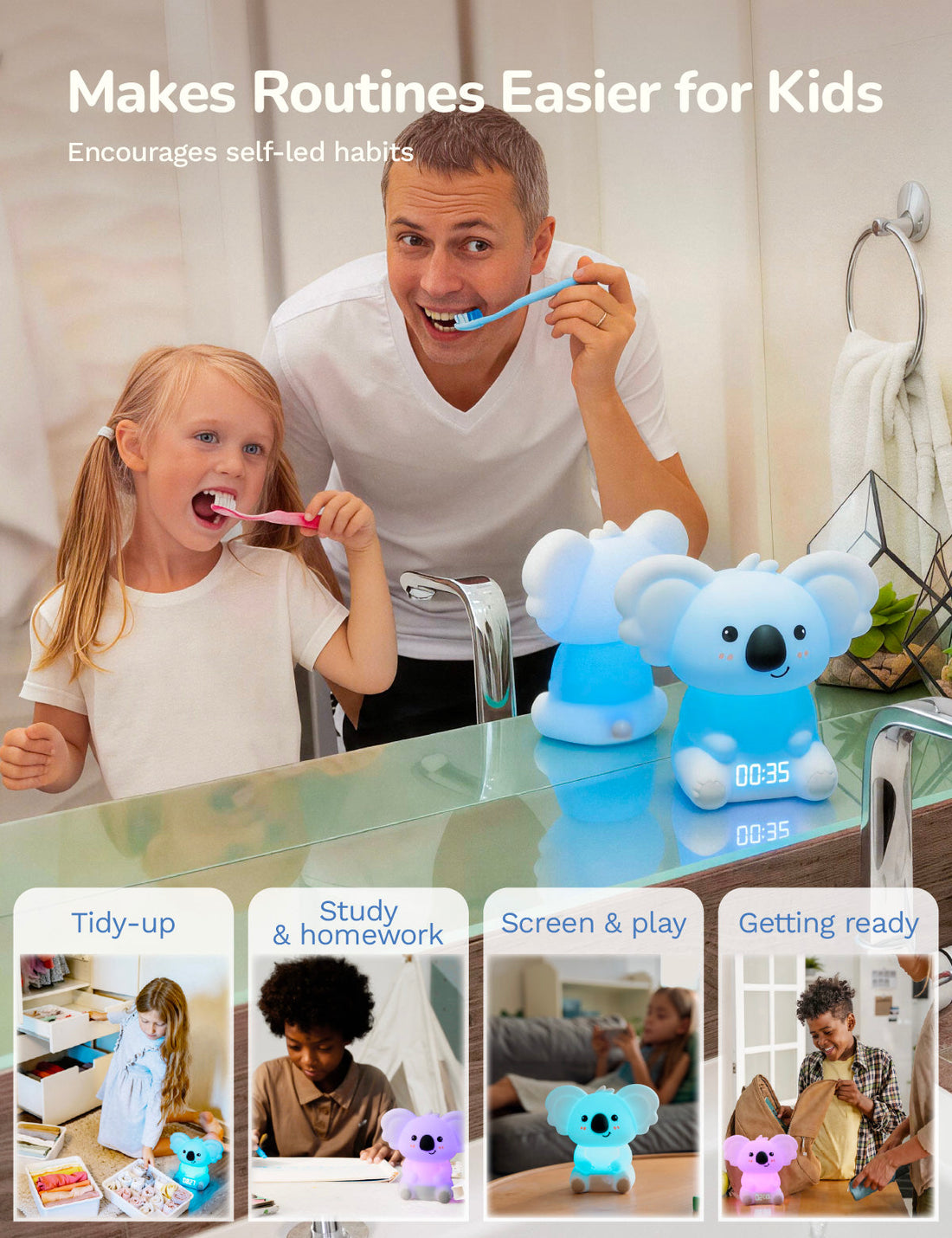
The newest category, and the one we make — so read this section knowing that, and we'll try to earn your trust by being straight with you. Light-based timers like our Timer Pal show time as a band of colored light that gradually shrinks, then shifts color as time runs out. Ours is twist-to-set (no buttons to decode), magnetic so it sticks to the fridge, completely screen-free with no app required, and doubles as a soft night light.
Where they shine: The glowing display is readable from across a dark room, which makes light timers uniquely good for bedtime and early mornings — a shrinking light says "almost sleep time" without a single word. Twist-to-set means most 3-year-olds can set it themselves within a week, and the endings are gentle (soft color change, optional soft chime) rather than a jolt. No ticking.
Where they fall short: Honestly? They cost more than sand or cube timers. They need charging now and then — a dead battery on a rough morning is a real (if occasional) annoyance. And if your child does best with the exact format their classroom uses, a school-style disc timer may transfer more directly. A light timer is an investment pick, not an impulse buy.
Best for: Ages 2–8, screen-time endings, bedtime wind-downs, morning routines, and families who want one timer that a child can eventually run entirely on their own.
Side-by-Side: The Honest Scorecard
| Sand | Dial/Disc | Digital/Cube | App/Speaker | Light-Based | |
|---|---|---|---|---|---|
| Glanceable for ages 2–5 | ◐ | ● | ○ | ○ | ● |
| Kid can set it alone | ● | ◐ | ◐ | ○ | ● |
| Calm ending | ○ no signal | ◐ varies | ○ shrill | ◐ | ● |
| Flexible durations | ○ | ● | ● | ● | ● |
| Works in a dark room | ○ | ○ | ◐ | ◐ | ● |
| Screen-free | ● | ● | ● | ○ | ● |
| Budget-friendly | ● | ◐ | ● | ● | ◐ |
● strong · ◐ depends on model · ○ weak
How to Actually Choose (a 30-Second Decision Guide)
Skip the reviews rabbit hole and answer three questions:
What's your hardest transition? If it's screens off or bedtime, choose something screen-free that works in low light — light-based is built for exactly this, and pairing it with a consistent script helps enormously (we wrote out word-for-word scripts in How to End Screen Time Without a Meltdown). If it's homework or classroom-style work blocks, a quiet disc timer is a strong, proven pick. If it's tooth-brushing and turn-taking only, honestly, a $6 sand timer set is plenty.
How old is your child? Under 6: prioritize the shrinking-shape formats (disc or light). Numbers can wait. Over 7 and reading digits fluently: digital options open up.
Who should own the routine? If your goal is a child who checks the timer instead of asking you — the real prize — pick the format your child can set and read entirely without help. For little kids, that usually means twist-to-set or flip-to-start designs.
One more note for parents of kids with ADHD or other kids who find transitions especially tough: visual timers may help support smoother transitions by making time concrete, and many occupational therapists and teachers use them daily — but no timer is a treatment or a fix. If you're curious about the why, we dug into the research in Why Visual Timers Work So Well for Kids with ADHD. And if you're building a broader calm-down toolkit, our bundle sets pair a timer with a breathing light so transitions and big feelings are covered by the same little team.
Related: if the child you are buying for is autistic, our guide to visual timers for autism covers which features matter most and how to introduce the timer without a power struggle.
The Bottom Line
There's no single "best" visual timer for every family — anyone who tells you otherwise is selling something (and, to be fair, so are we, which is exactly why we'd rather you pick the right tool than just our tool). Sand timers win on price, disc timers win on classroom familiarity, digital wins for older kids, and light-based timers win for bedtime, screen endings, and true kid independence — the jobs most parents tell us they bought a timer for in the first place.
Whichever you choose, the magic ingredient isn't the gadget. It's consistency: same timer, same words, same follow-through. The timer just makes you the messenger instead of the villain.
Want to try before you buy? Play with our free interactive tools at palcompany.co/pages/playground — no app, no download, no email required. Set a pretend timer with your child, watch how they react to the shrinking light, and you'll know within two minutes whether this format clicks for your kid.


